Kimpa Free
Secure essentials for one user.
Free
No monthly charge
Create free accountIncludes:
- 1 mailbox
- 1 custom domain
- 5 GB storage per user








 Kimpa
KimpaKimpa Team, Docs, Sheet, and Present are now part of every Kimpa plan. See what's new.
Kimpa Mail
Business email on your own domain, with threads, labels, and search in one protected mailbox, and a clear warning before you act on a look-alike request. On the web, desktop, and mobile.
Download the app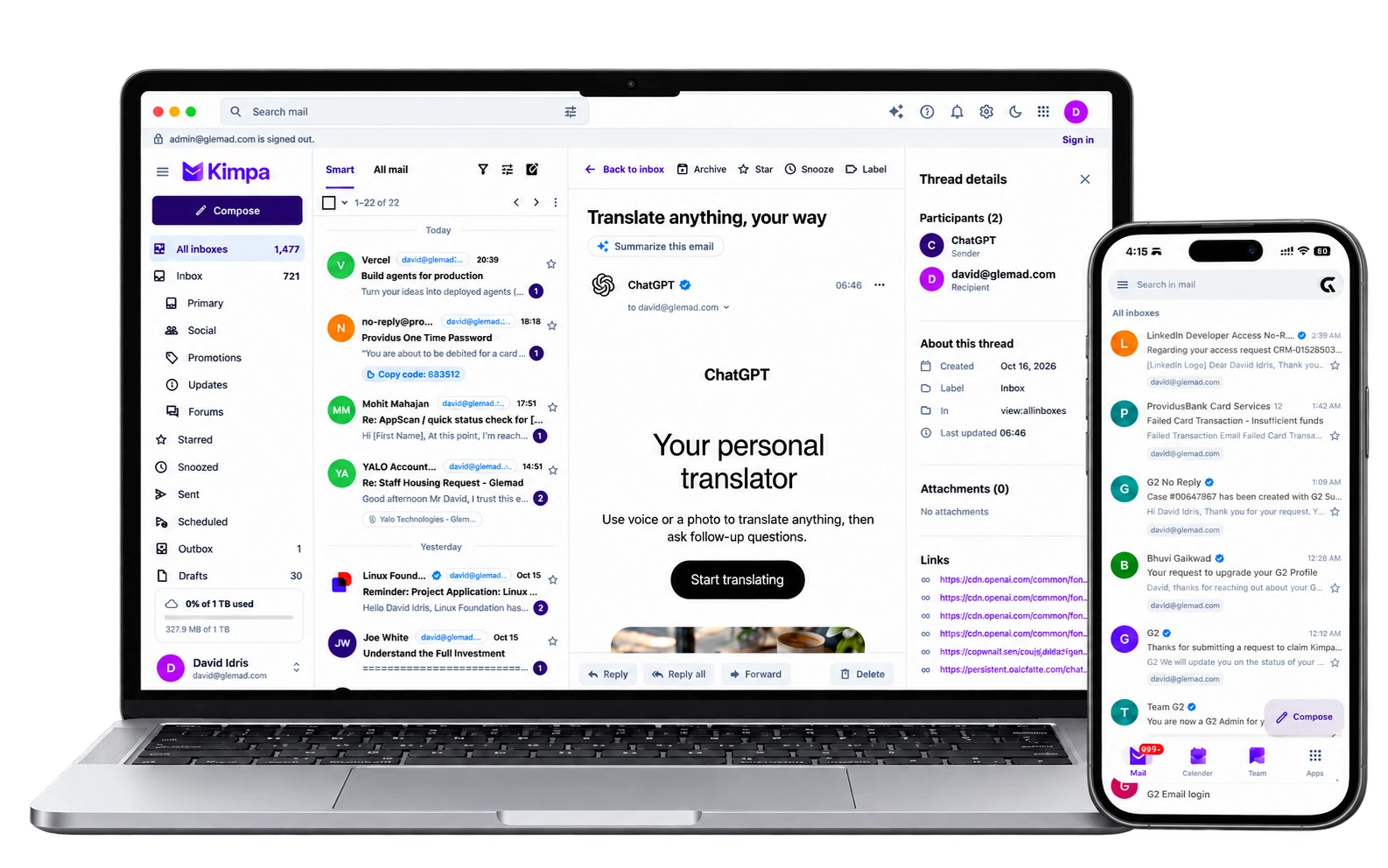
Overview
Read and send from your own domain with threads, folders, labels, aliases, signatures, and search, in one protected mailbox.
When an address imitates a domain you know, Kimpa shows a warning above the message before you reply, pay, or share a file.
Kimpa Verified connects a reviewed organization to a sender's domain, so you can see who stands behind a request.
Ask Help me write to draft a reply, or catch up on a long thread. Kimpa Assist only runs when you ask.
KimpaSearch mailToday
Lena, me, Tunde42:31 AM
Re: Sharing dialog — new mocks
Updated mocks below — inherited permissions now show1
sharing-dialog.pngweekly-notes.pdf+1
Ada Nwosu2:21 AM
NorthwindWork clientsUpdated logo files
Attached is the final logo as a PNG and SVG1
logo.png
Lena Fischer2:10 AM
Brand refresh — final review by Friday
The final brand refresh deck is ready for review1
David, me31:39 AM
Re: Q4 planning — draft agenda
Sharing the draft agenda for Thursday's session1
Lena Fischer1:02 AM
Design review: Calendar sharing
Attached are the latest mocks for calendar sharing
Find any message, send it at the right moment, and bring work back when you're ready, on every device you use.
Search by sender, label, attachment, or date
KimpaSearch mail3 results
Northwind FinanceOct 14
Invoice 2051 for October services
Hi Amara, please find invoice 2051 attached
invoice-2051.pdf
Northwind FinanceOct 2
Invoice 2048 paid
Thanks, the payment for invoice 2048 went through
receipt-2048.pdf
Northwind FinanceSep 21
Invoice 2044 with PO number
Updated invoice with the purchase order number
invoice-2044.pdf
Write now and choose when it arrives
ToNFNorthwind Finance
SubjectSigned vendor authorization
Hi Daniel,
The signed vendor authorization for Q4 is attached. Let me know once the supplier has been paid.
Thanks,
Amara
Clear the inbox and bring a message back when you need it
Today
Ada Nwosu2:21 AM
NorthwindWork clientsUpdated logo files
Attached is the final logo as a PNG and SVG1
logo.png
Lena Fischer2:10 AM
Brand refresh — final review by Friday
The final brand refresh deck is ready for review1
David, me31:39 AM
Re: Q4 planning — draft agenda
Sharing the draft agenda for Thursday's session1
Lena Fischer1:02 AM
Design review: Calendar sharing
Attached are the latest mocks for calendar sharing
Plans
Secure essentials for one user.
Free
No monthly charge
Create free accountIncludes:
Business email on your domain for small teams.
$0.99/mo
$0.99 per mailbox a month for your first 6 months, then $1.99
Buy nowKimpa Core includes:
More storage, more Kimpa Assist tokens, and larger calls.
$3.99/mo
per user / month
Buy nowKimpa Growth includes:
Retention controls, legal hold, and recorded calls.
$7.99/mo
per user / month
Buy nowKimpa Pro includes:
Custom security, scale, and compliance.
From $12/mo
per user / month, by contract
Contact salesKimpa Enterprise includes:
Every plan includes every Kimpa app, impersonation and fraud warnings, and spam and malware filtering. Showing the Kimpa Verified badge costs $4.99 per verified domain a month on any plan, and is included with Enterprise.2 Compare all plans, including Education.
Kimpa Mail runs in the browser and in the Kimpa apps for desktop and mobile, with the same account on every device.
Use Kimpa in any modern browser. Nothing to install.
Open KimpaKimpa 2.3.4 for Mail, Calendar, Contacts, and Drive. Universal app for Apple silicon and Intel Macs.
Download for MacKimpa for Mail, Calendar, Contacts, and Drive, from the Microsoft Store. For Windows 10 and 11 (64-bit).
Get it from MicrosoftKimpa for iOS and iPadOS from the App Store.
Open App StoreThe signed Kimpa app for Android phones and tablets.
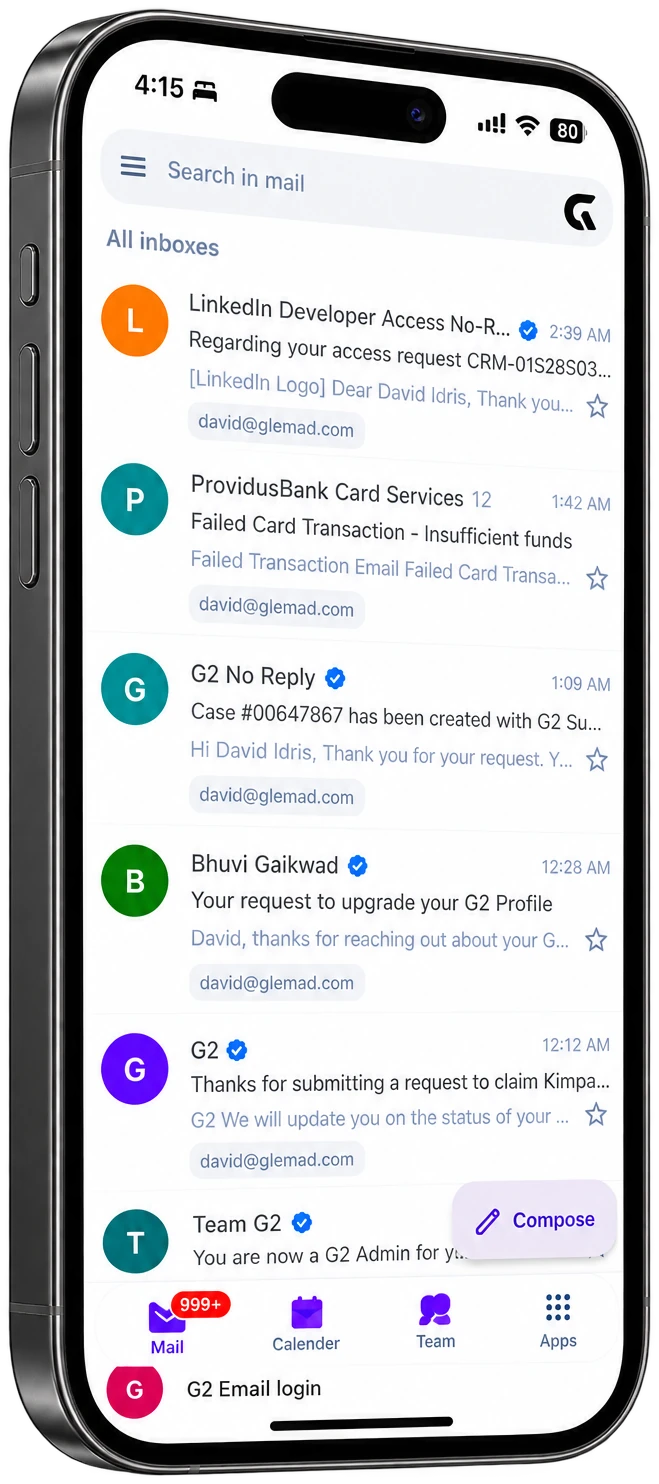
Download Android APKKimpa for iPhone, iPad, and Android brings your inbox, calendar, and contacts with you, signed in with the same account.
More Kimpa apps
Kimpa Team
Channels, direct messages, and calls started from the conversation.
Learn more about Kimpa TeamKimpa Calendar
Meetings, tasks, notes, and reminders in one calendar.
Learn more about Kimpa CalendarKimpa Contacts
Personal and shared contacts for the whole organization.
Learn more about Kimpa ContactsKimpa Drive
Files under your organization's ownership and access rules.
Learn more about Kimpa DriveKimpa Docs
Open and edit .docx files. Changes save to Kimpa Drive.
Learn more about Kimpa DocsKimpa Sheet
Open and edit .xlsx files with version history.
Learn more about Kimpa SheetKimpa Present
Open and edit .pptx files and present from any device.
Learn more about Kimpa Present
Kimpa Assist
Writing help in Kimpa, only when you ask for it.
Learn more about Kimpa AssistEvery Kimpa plan, including Free, includes a custom domain for business email. Add your domain in Kimpa Admin and publish the DNS records Kimpa shows you.
Every message has end-to-end protection by Ollandi, and every plan includes impersonation and fraud warnings, Kimpa Verified checks, and spam and malware filtering.
Free includes 5 GB per user. Paid plans pool storage across your organization: 40 GB per user on Core, 100 GB on Growth, and 300 GB on Pro.
Each person can have 2 aliases on Core, 5 on Growth, and 10 on Pro.
Yes, to protect delivery for every Kimpa customer: 100 external emails per user a day on Core, 300 on Growth, and 500 on Pro.
Yes. Kimpa supports a staged migration: connect your current provider, test one destination mailbox, then move mail, contacts, and calendars for the rest of the organization.
No. Kimpa does not sell personal data or use the content of your messages to build advertising profiles.
Kimpa Mail runs in the browser and in the Kimpa apps for macOS, Windows, iPhone, iPad, and Android.
Start with one mailbox and your own domain on the Free plan, then add people and storage as you grow.
Create a free accountBring mail, contacts, and calendars across in a staged transfer, and check the result before you switch your domain.
Plan your migration