Kimpa Free
Secure essentials for one user.
Free
No monthly charge
Create free accountIncludes:
- 1 mailbox
- 1 custom domain
- 5 GB storage per user








 Kimpa
KimpaKimpa Team, Docs, Sheet, and Present are now part of every Kimpa plan. See what's new.
Kimpa Sheet
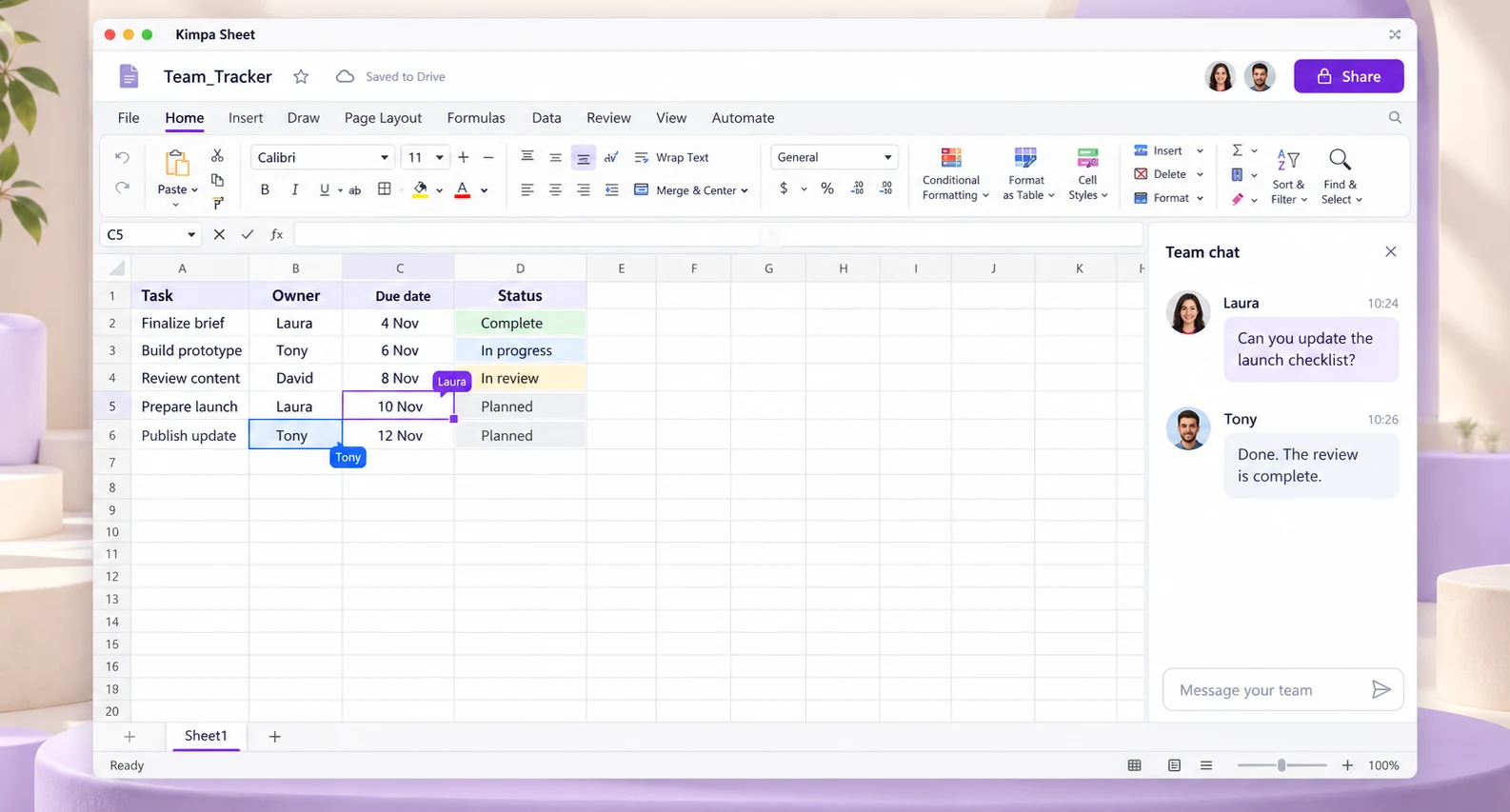
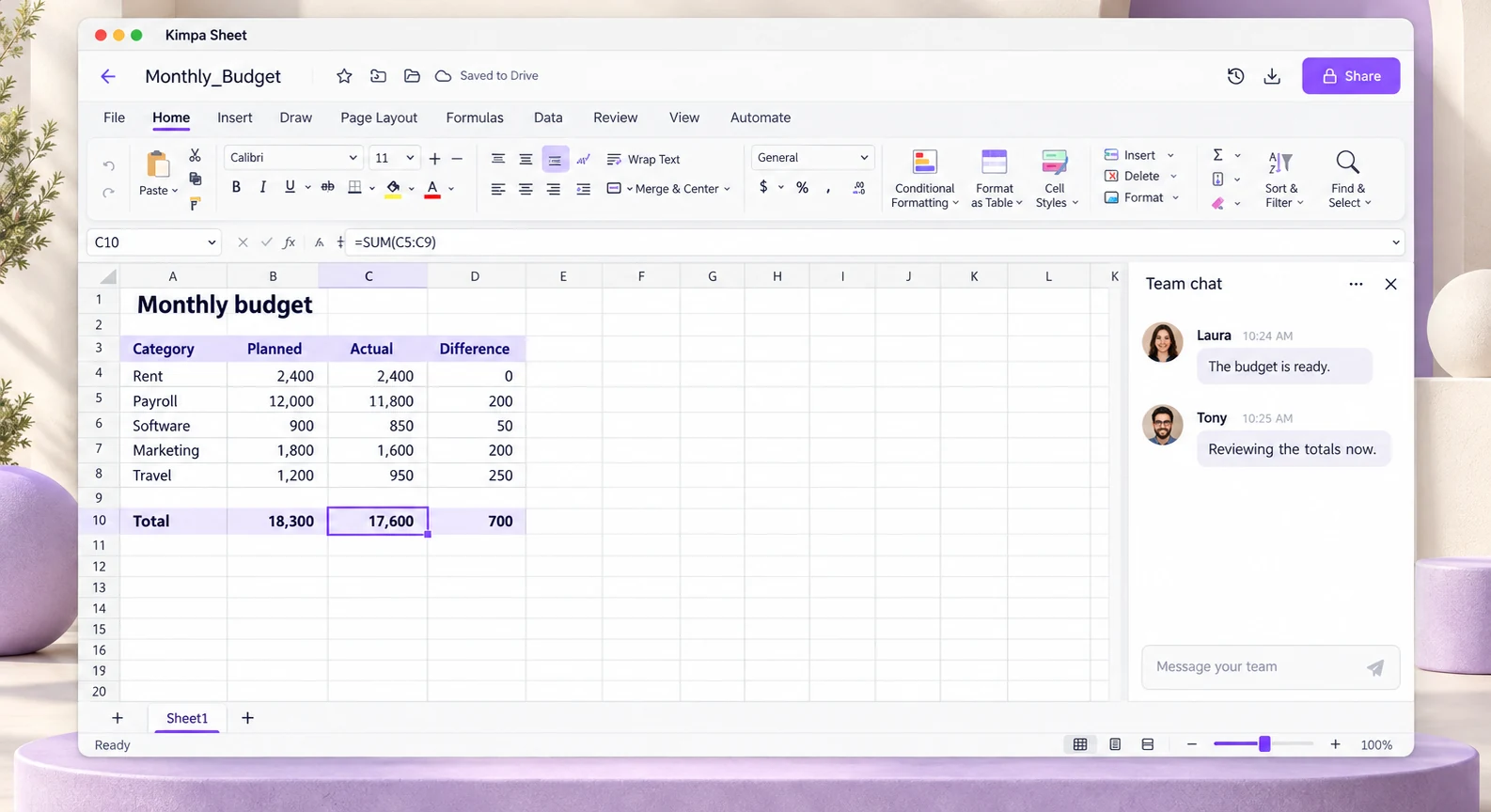
Open and edit .xlsx files in your browser and in the Kimpa apps. Your changes save to the same file in Kimpa Drive, so the spreadsheet you share is the one you edited.
Download Kimpa Sheet for Mac and Windows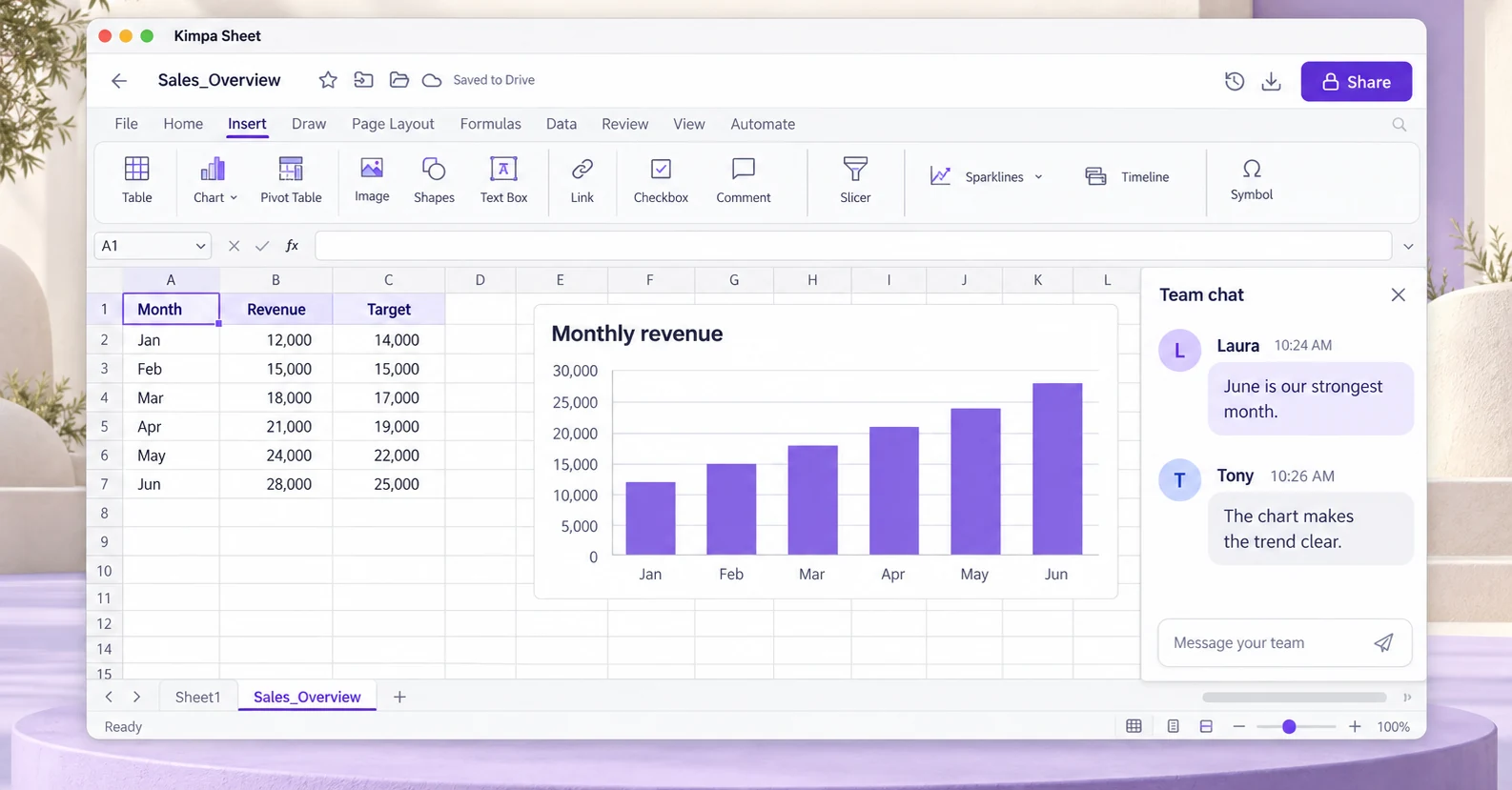
Overview
Open an .xlsx at sheet.kimpa.io or from Kimpa Drive and edit it in your browser. It stays an .xlsx, so the file you share is the one you edited.
Presence shows who else has the spreadsheet open, so you know who is working on it with you.
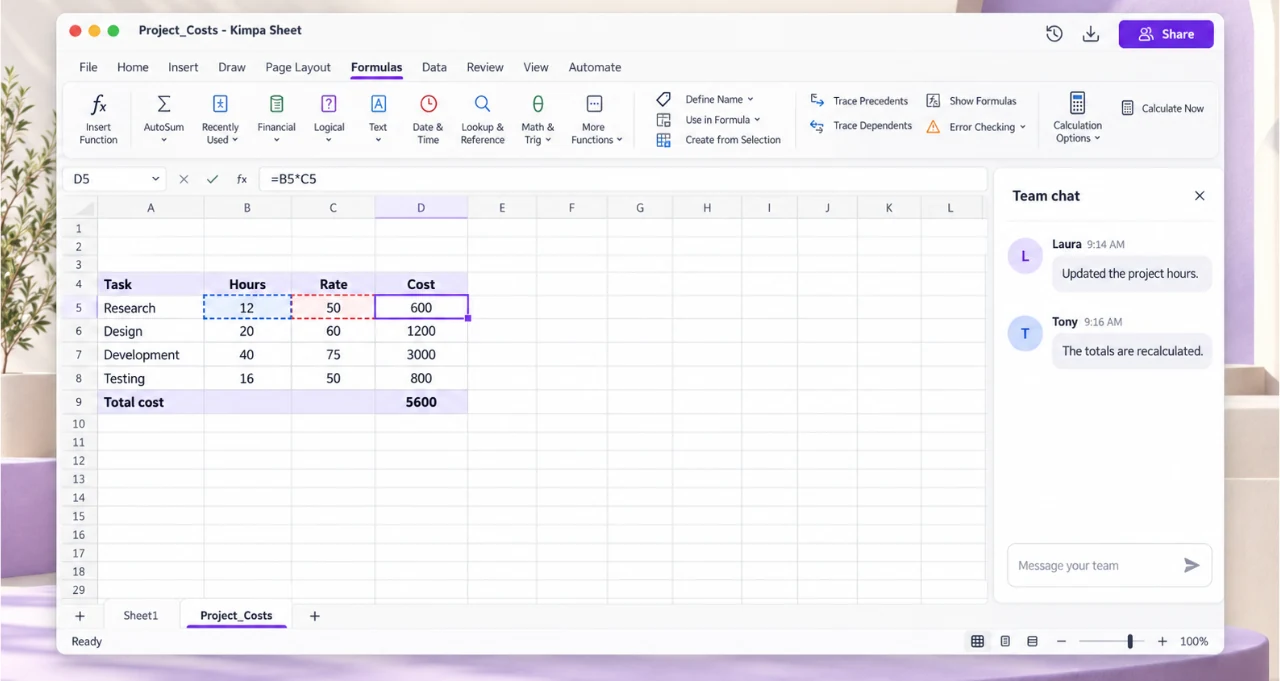
Changes save as you go to Kimpa Drive and count toward your organization's storage. Look back through earlier versions and restore any of them, or download the .xlsx whenever you need a copy.
Plans
Secure essentials for one user.
Free
No monthly charge
Create free accountIncludes:
Business email on your domain for small teams.
$0.99/mo
$0.99 per mailbox a month for your first 6 months, then $1.99
Buy nowKimpa Core includes:
More storage, more Kimpa Assist tokens, and larger calls.
$3.99/mo
per user / month
Buy nowKimpa Growth includes:
Retention controls, legal hold, and recorded calls.
$7.99/mo
per user / month
Buy nowKimpa Pro includes:
Custom security, scale, and compliance.
From $12/mo
per user / month, by contract
Contact salesKimpa Enterprise includes:
Every plan includes every Kimpa app, impersonation and fraud warnings, and spam and malware filtering. Showing the Kimpa Verified badge costs $4.99 per verified domain a month on any plan, and is included with Enterprise.2 Compare all plans, including Education.
Kimpa Sheet runs in any modern browser, as its own app on Mac and Windows, and in the Kimpa app on iPhone, iPad, and Android, with the same account everywhere.
Open and edit .xlsx files at sheet.kimpa.io. Nothing to install.
Open Kimpa SheetOpen and edit .xlsx files. Universal app for Apple silicon and Intel Macs, signed in with your Kimpa account.
Download for MacOpen and edit .xlsx files. From the Microsoft Store, for Windows 10 and 11 (64-bit), signed in with your Kimpa account.
Get it from MicrosoftKimpa for iOS and iPadOS from the App Store.
Open App StoreThe signed Kimpa app for Android phones and tablets.
Download Android APKMore Kimpa apps
Kimpa Mail
Business email on your own domain, with the sender in plain view.
Learn more about Kimpa MailKimpa Team
Channels, direct messages, and calls started from the conversation.
Learn more about Kimpa TeamKimpa Calendar
Meetings, tasks, notes, and reminders in one calendar.
Learn more about Kimpa CalendarKimpa Contacts
Personal and shared contacts for the whole organization.
Learn more about Kimpa ContactsKimpa Drive
Files under your organization's ownership and access rules.
Learn more about Kimpa DriveKimpa Docs
Open and edit .docx files. Changes save to Kimpa Drive.
Learn more about Kimpa DocsKimpa Present
Open and edit .pptx files and present from any device.
Learn more about Kimpa Present
Kimpa Assist
Writing help in Kimpa, only when you ask for it.
Learn more about Kimpa AssistYes. Kimpa Sheet opens and edits .xlsx files in the browser and in the Kimpa apps. It comes with every Kimpa plan, including Free.
Changes save as you work to Kimpa Drive and count toward your organization's storage.
Yes. Changes save to the same file in Kimpa Drive, in the same format, and you can download the .xlsx whenever you need a copy.
Yes. Look back through earlier versions of a spreadsheet and restore any of them.
Yes. Presence shows who else has the spreadsheet open.
Kimpa Sheet runs in the browser at sheet.kimpa.io and in the Kimpa apps on desktop and mobile. On Mac and Windows, Kimpa Sheet is also its own app.
Every Kimpa plan, including Free, comes with Kimpa Docs, Sheet, and Present, saved to your Kimpa Drive.
Create a free accountOpen and edit .xlsx files in Kimpa Sheet's own app for Mac or Windows, signed in with your Kimpa account.
See downloads